

Case · own product
No single tool kept everything together. So I built it myself.
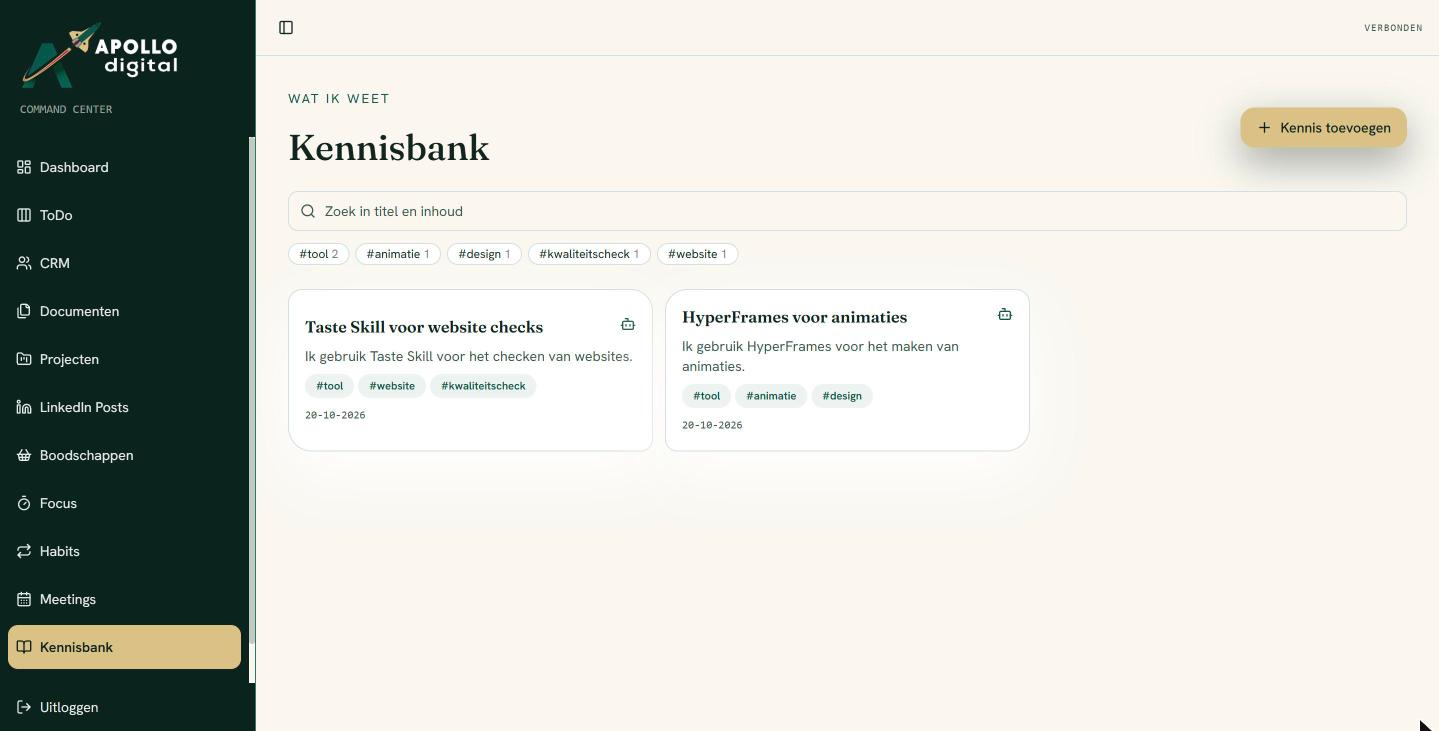
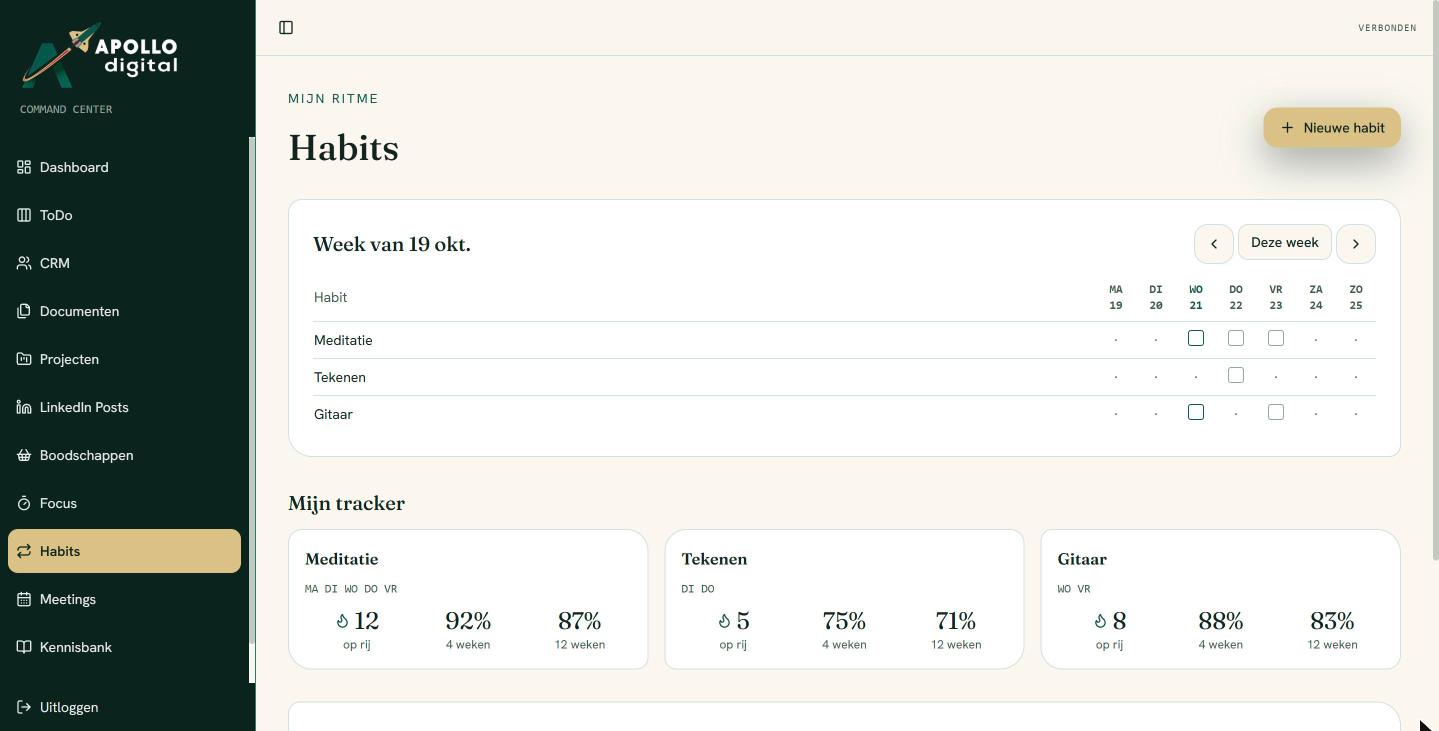
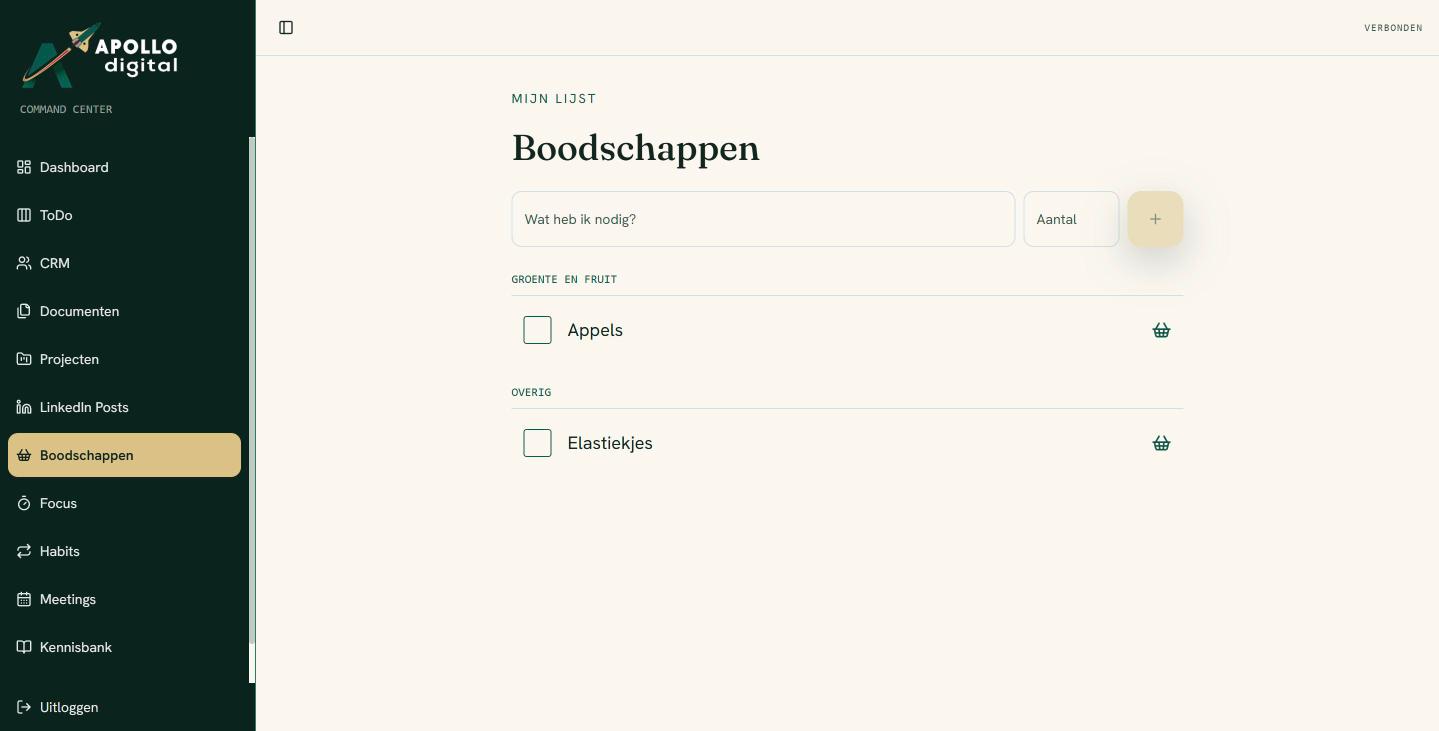
The Apollo Command Center is my own workspace. Tasks, relationships, documents, content, calendar load and my daily rhythm sit in one place, and Claude works alongside me through a secure connection.
The challenge
Five tools, zero overview
Tasks in one app, clients in another, quotes in the accounting software, notes scattered across documents. Switching between screens every day, and nowhere a single answer to the question: how full is my week, really?
The solution
One workspace, made to measure
I built a private workspace for one person, without teams, licences or features I don't need. Only what I use every day, set up the way I work.

What's inside
Everything I need every day
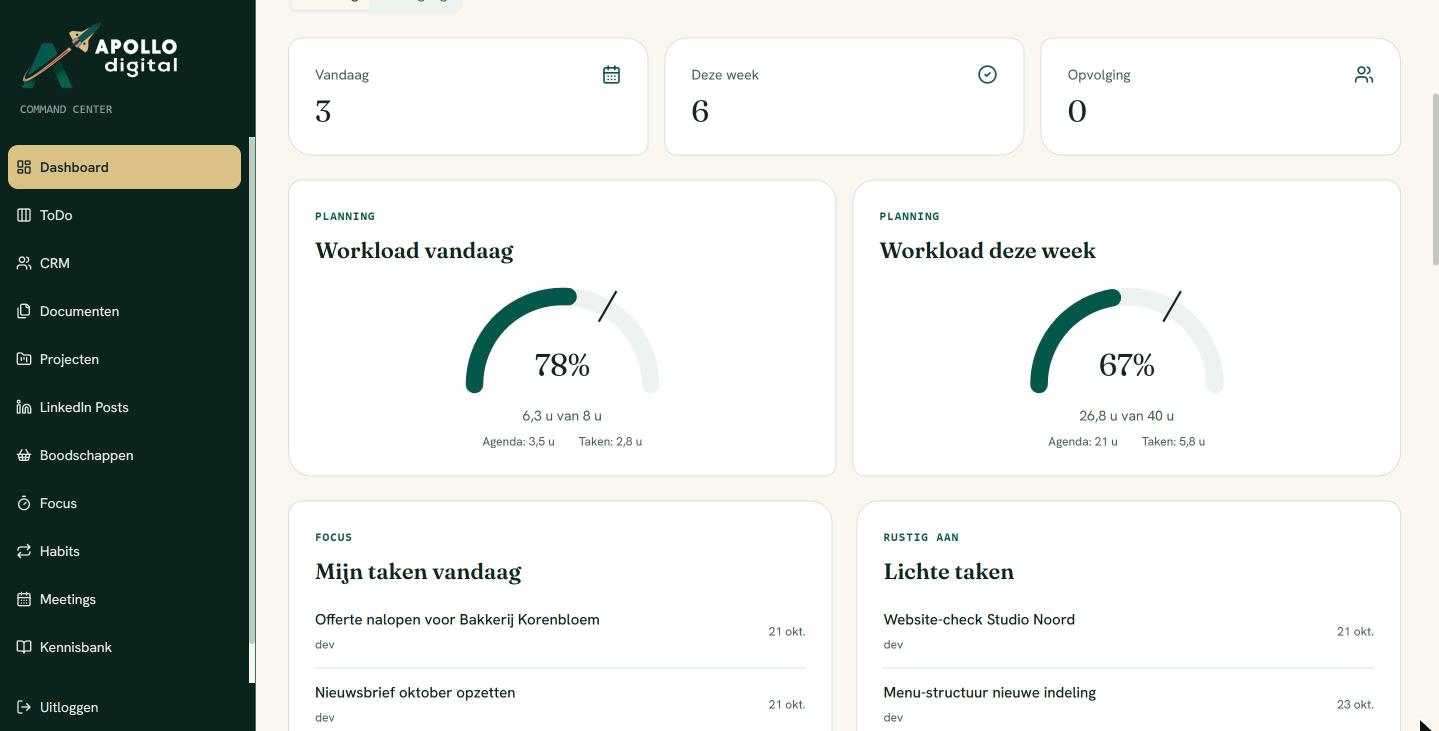
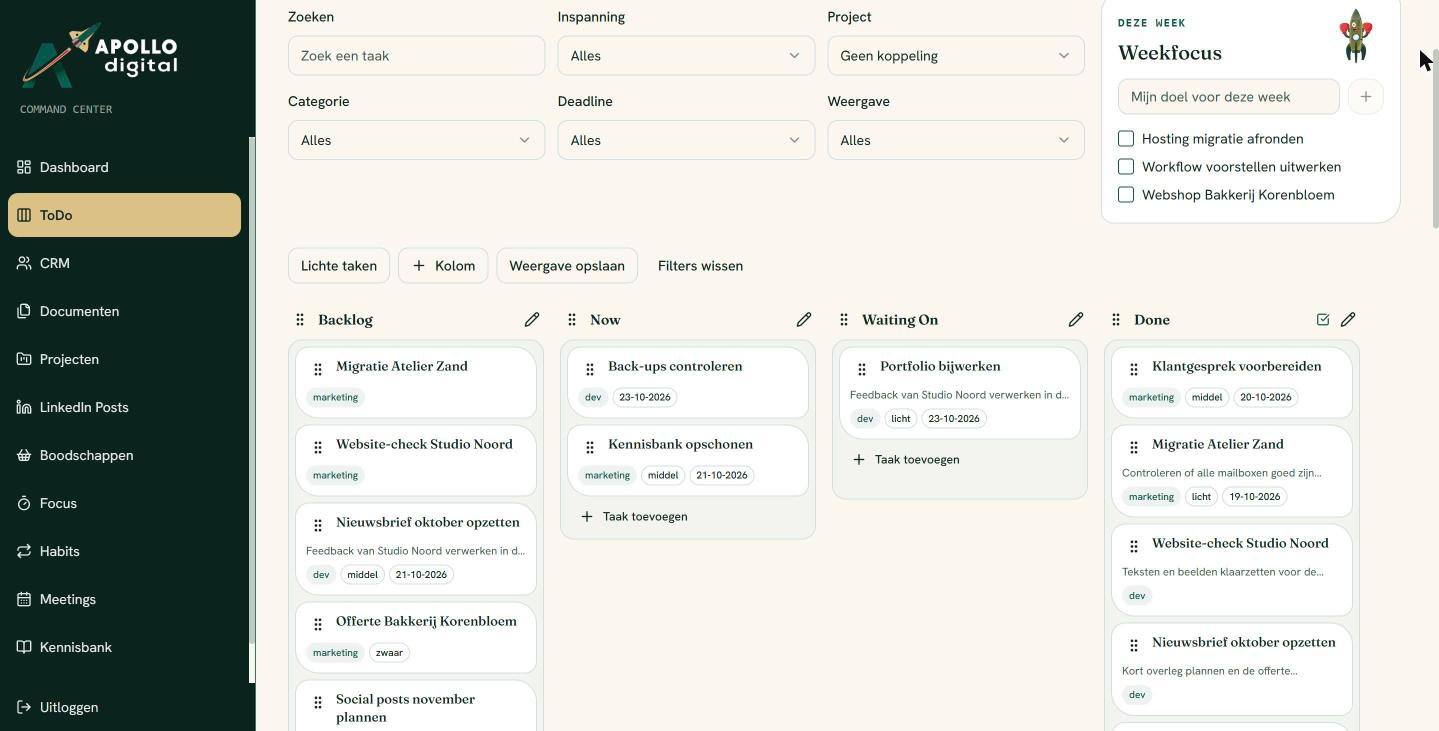
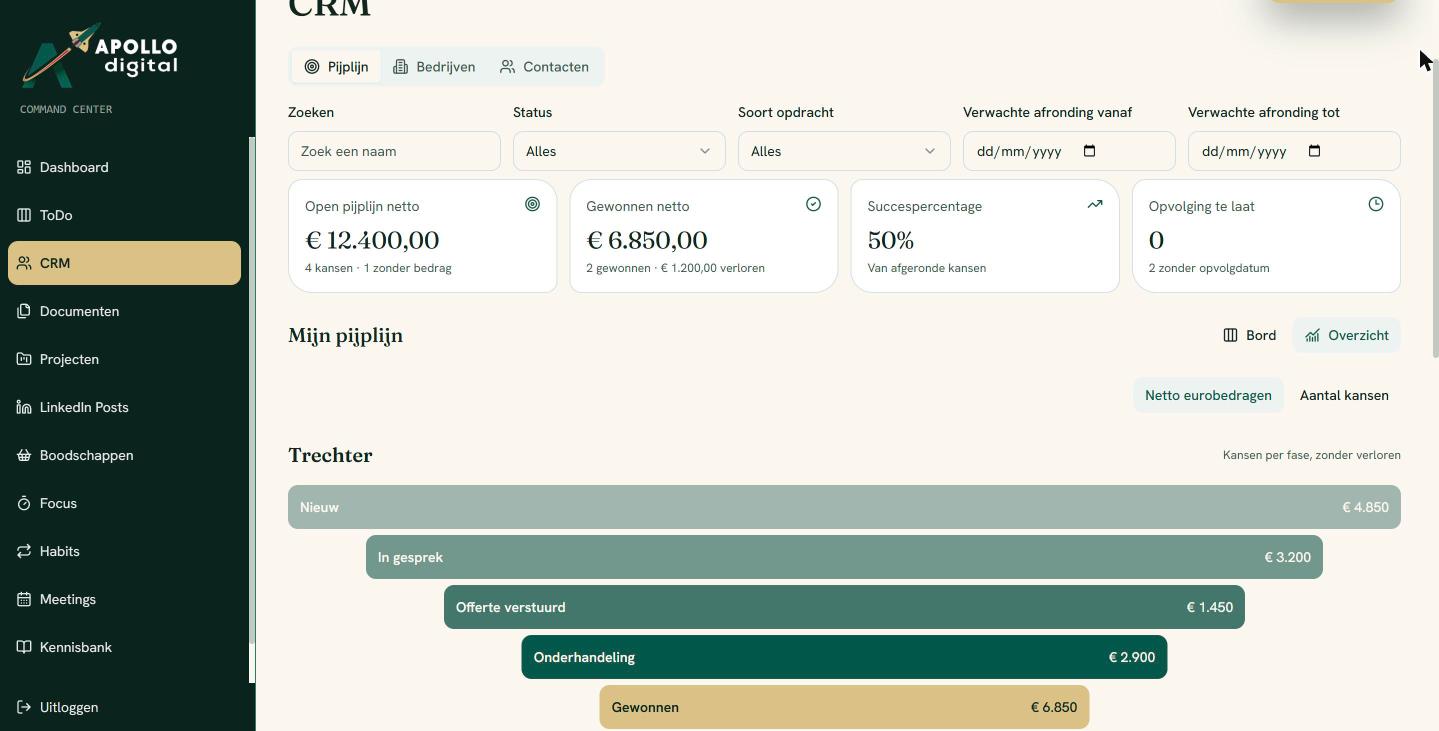
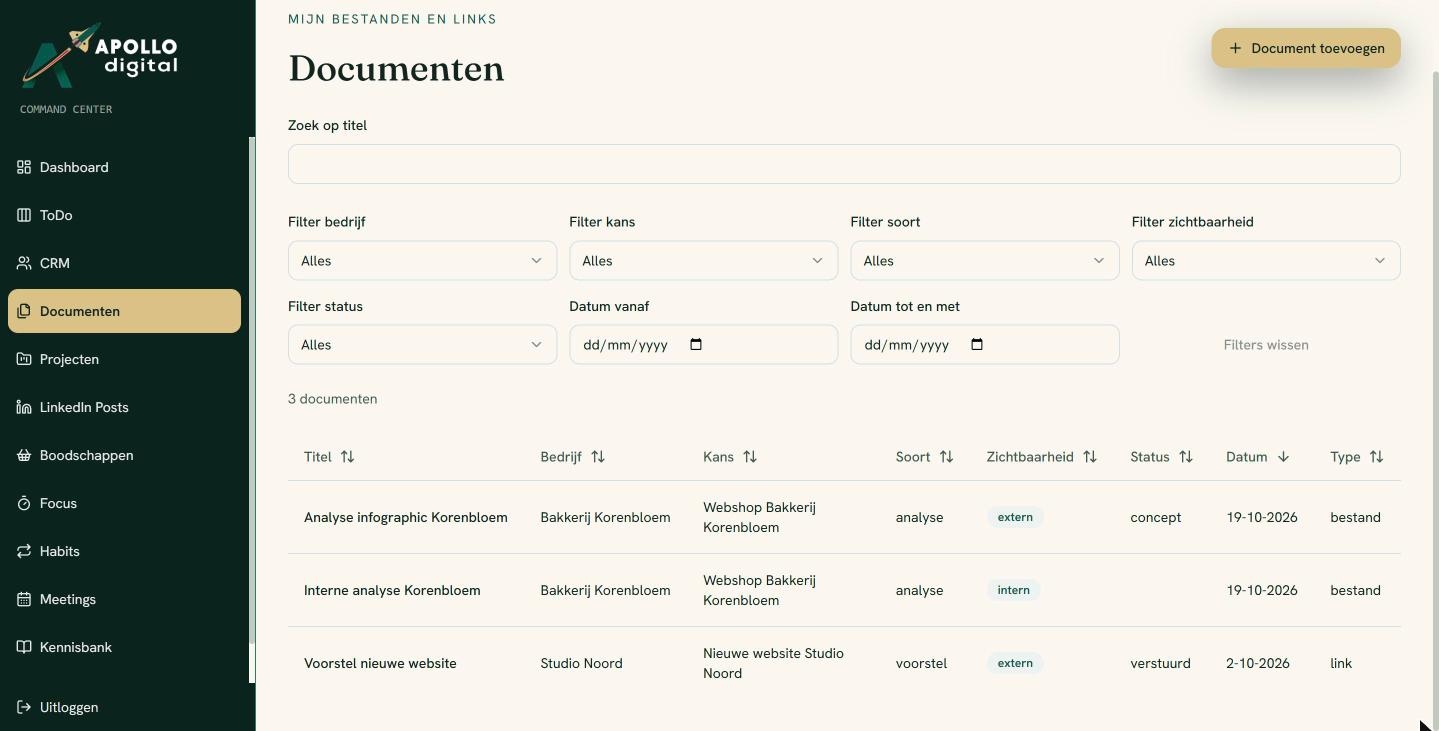
The highlight
And Claude works with me
The Command Center talks to Claude through a secure MCP connection. Claude can schedule tasks, update opportunities, write documents back, tick off habits and search the knowledge base, and only sees what is mine.
Case
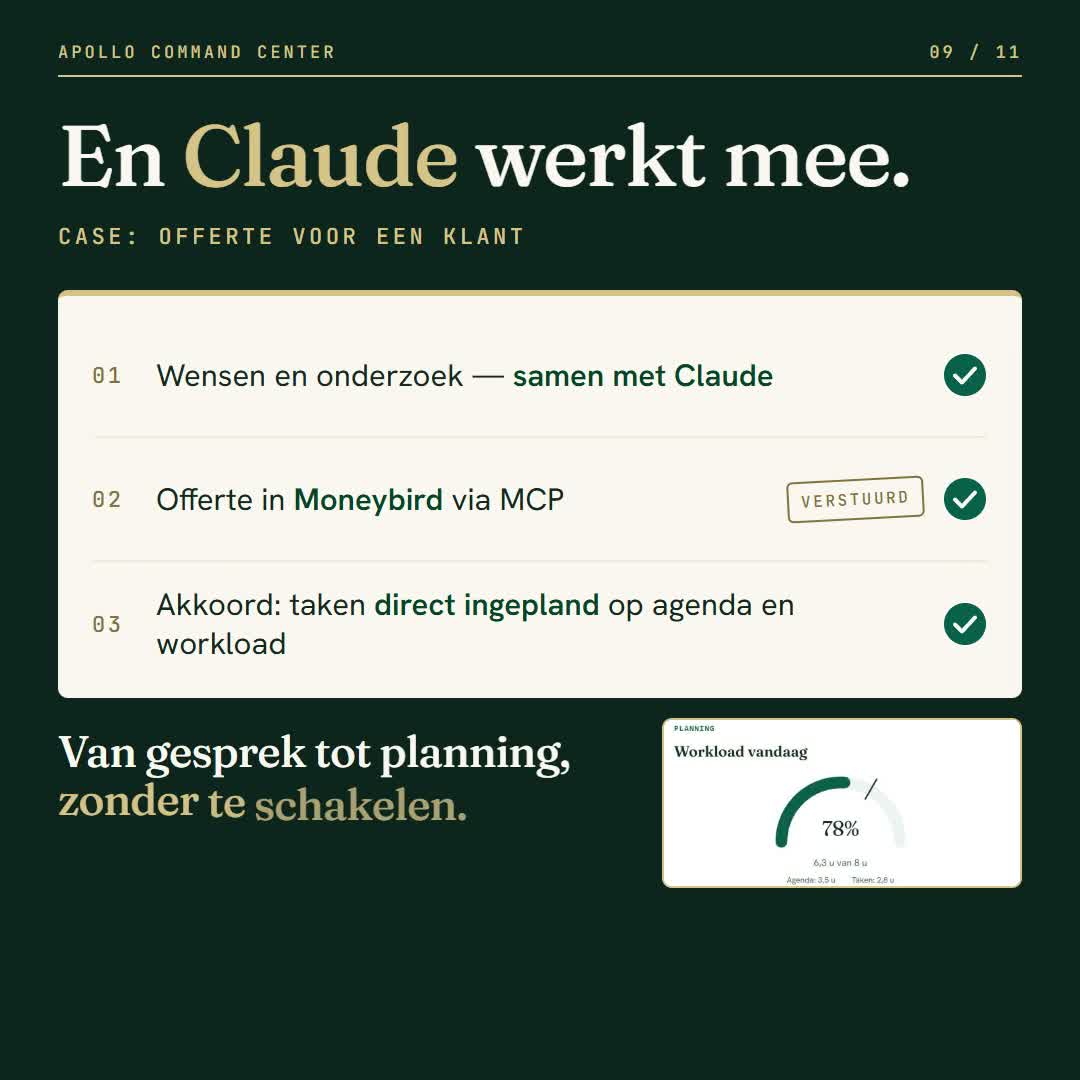
A quote for a client
Requirements and research
Mapped out the requirements with Claude and worked out the best solution.
Quote in Moneybird
Created and sent the quote straight away via MCP.
Approved, scheduled
Once approved, the tasks were in the Command Center straight away, scheduled around my calendar and workload.
From conversation to schedule, without switching.
Privacy
My data. Mine alone.
Own tables with strict access rules, own file storage and own security. The data lives nowhere else, and nobody else can read it. Not even Claude without permission.
The result
Built for one person. Exactly the way I work.
Need a custom-built system to streamline your workflows?
Apollo Digital builds workspaces, integrations and AI workflows that fit the way you work.
Book an intro call →Images use demo data.